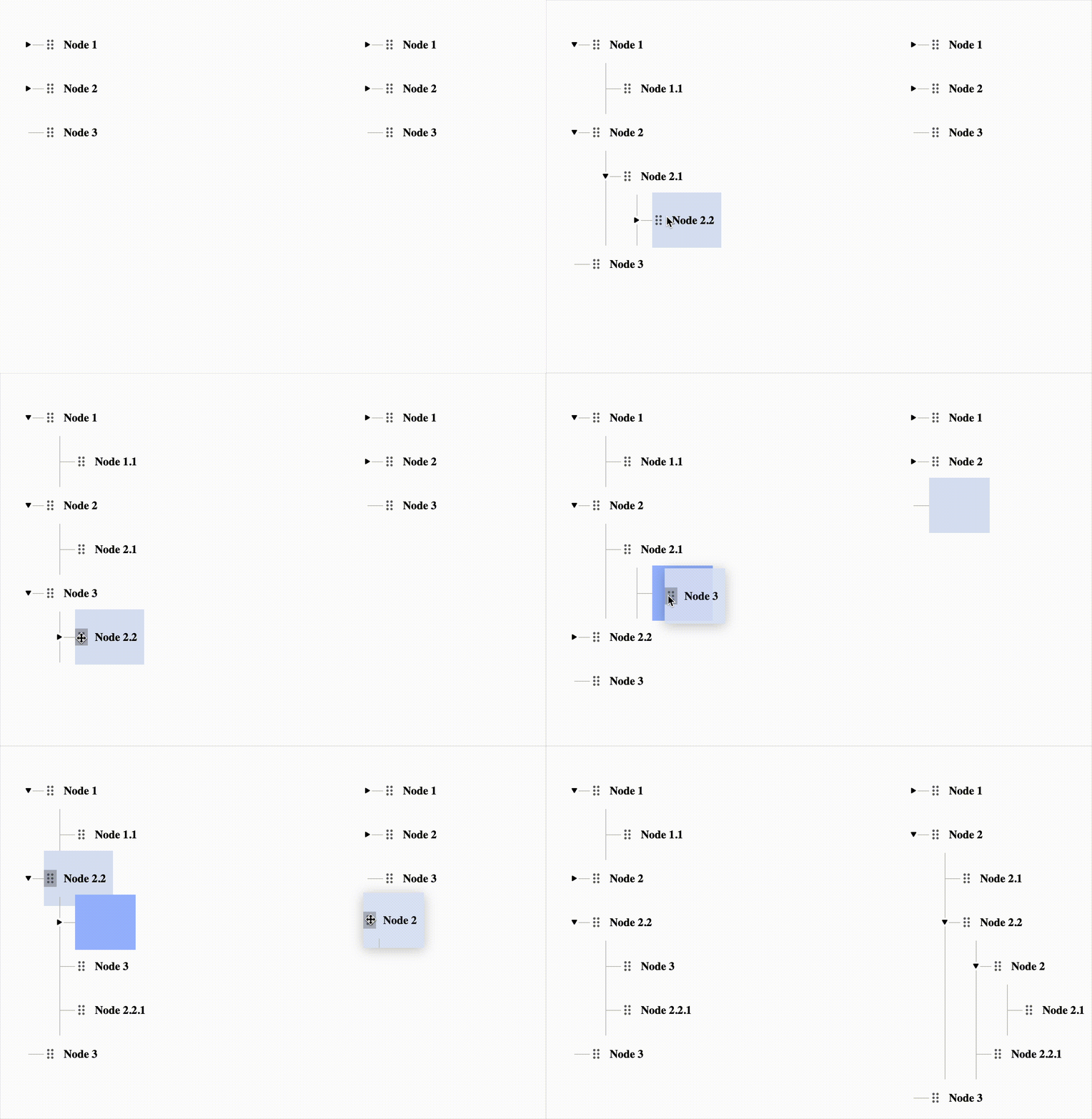
What is React Apple Tree?
React Apple Tree is a modern React component library for building drag-and-drop sortable hierarchical tree interfaces. It provides an intuitive way to display and manipulate nested data structures with built-in support for virtualization, search, and extensive customization options.Key Features
Drag and Drop
Intuitive drag-and-drop functionality powered by react-dnd with HTML5 backend support
Virtualization
High performance rendering of large trees using react-window for optimal performance
TypeScript Support
Fully typed with TypeScript for excellent developer experience and type safety
Search & Filter
Built-in search functionality with customizable search methods and highlighting
Customizable
Extensive customization options through props, custom renderers, and styled-components
Helper Functions
Rich set of utility functions for tree manipulation, data conversion, and traversal
Why React Apple Tree?
React Apple Tree is an updated and maintained version of the popularreact-sortable-tree library. It brings modern React practices, improved performance, and active maintenance to the table.
Improvements over react-sortable-tree:
- Modern React: Built with React 18+ and modern hooks
- Better Performance: Optimized rendering with react-window
- Active Maintenance: Regular updates and bug fixes
- Improved TypeScript: Comprehensive type definitions
- Enhanced DX: Better documentation and examples
Use Cases
React Apple Tree is perfect for:- File/folder navigation systems
- Organization hierarchies
- Category management interfaces
- Menu/navigation builders
- Decision trees and flowcharts
- Any nested data visualization
Resources
GitHub Repository
View source code, report issues, and contribute
npm Package
Install from npm registry
Storybook
Explore interactive examples and demos
TypeScript Types
Full TypeScript support with exported types
Quick Example
Here’s a minimal example to get you started:React Apple Tree requires a fixed height on its container to render properly.
Next Steps
Installation
Install React Apple Tree and its dependencies
Quick Start
Build your first tree in minutes