
Native Date & Time Picker for React Native
A cross-platform datetime picker component with native iOS and Android implementations. Choose from date, time, or datetime modes with modal and inline display options.
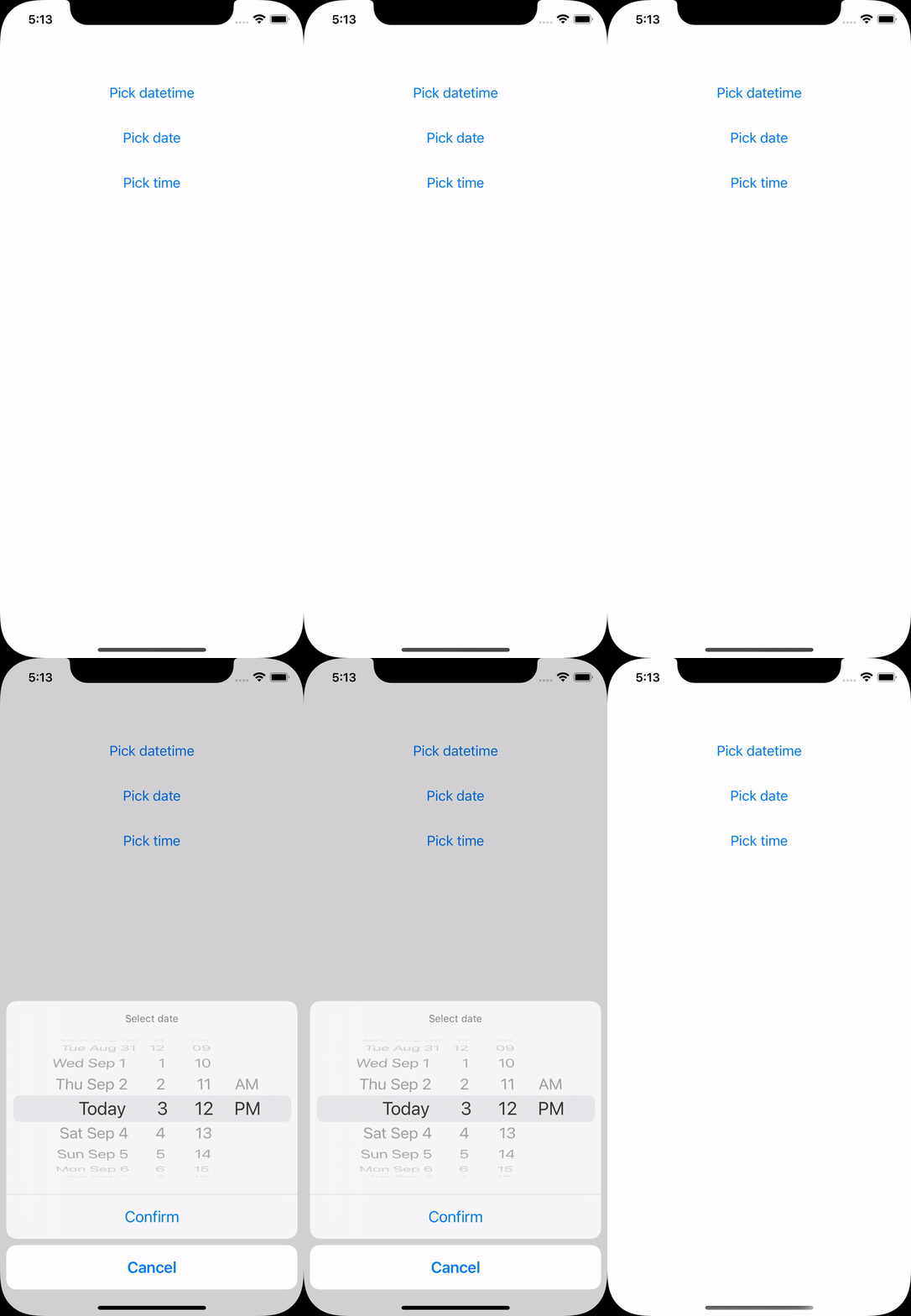
Quick start
Get up and running with React Native Date Picker in minutes
Install iOS dependencies
For non-Expo projects, install the CocoaPods dependencies.
Expo projects can skip this step when using Development Builds.
Key features
Everything you need for date and time selection in your React Native app
Cross-platform
Native implementations for iOS and Android with consistent behavior and authentic platform look and feel.
Three picker modes
Choose between date, time, or datetime modes to match your use case perfectly.
Modal & inline display
Use the built-in modal or render the picker inline within your custom UI.
Customizable appearance
Customize colors, themes, and text to match your app’s design system.
Multi-language support
Support for various languages and locales with automatic date format adjustments.
New architecture ready
Full support for React Native’s new architecture with Fabric and Turbo Modules.
Explore the documentation
Learn how to integrate and customize the date picker for your needs
Installation guide
Step-by-step installation for React Native and Expo projects.
API reference
Complete reference for all props, callbacks, and TypeScript types.
Examples
Real-world examples covering common use cases and patterns.
Customization
Learn how to customize colors, themes, and appearance.
Troubleshooting
Solutions to common issues and platform-specific gotchas.
Migration guides
Upgrade guides and platform-specific migration notes.
Ready to get started?
Install React Native Date Picker in your project and add a beautiful, native date picker in minutes.
View Quickstart Guide