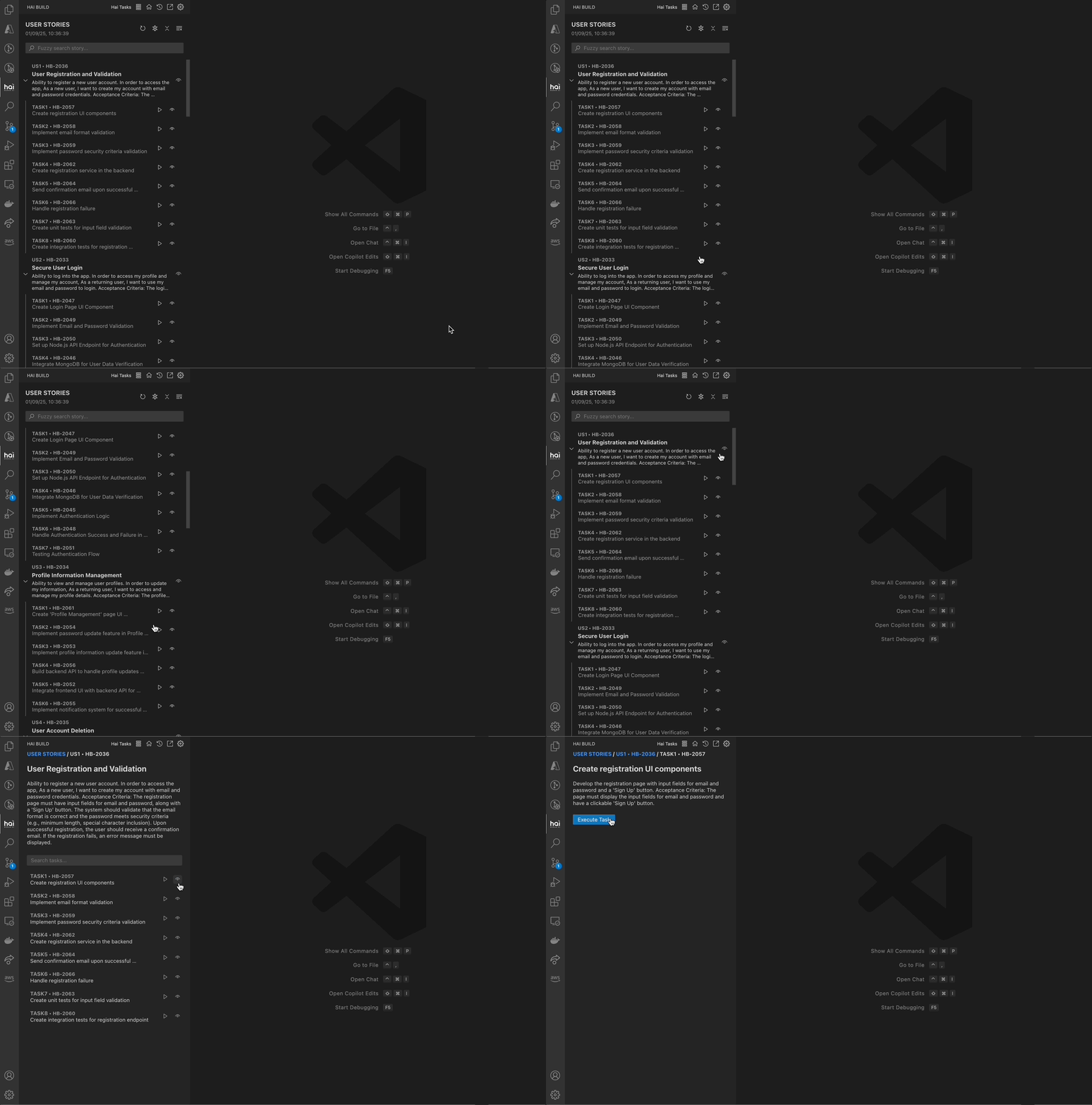
Now let’s have HAI write some code based on your project’s patterns.
1
Start a New Task
Click the + button to begin a fresh task
2
Describe Your Goal
Be specific about what you want. For example:“Create a new utility function called formatUserData that takes a user object and returns a formatted string with the user’s full name and email. Follow the existing code style in this project.”
3
Review the Plan
HAI will present a plan showing:
Which files it will create or modify
What the implementation will look like
Why it chose this approach
4
Approve or Request Changes
Type “Yes” or “Approve” to proceed
Or ask HAI to adjust the approach: “Can you add input validation?”
// Current codeexport function getUserName(user) { return user.name;}
// Proposed code with additionsexport function getUserName(user) { return user.name;}export function formatUserData(user) { if (!user || !user.name || !user.email) { throw new Error('Invalid user object'); } return `${user.name} <${user.email}>`;}
Red lines: Code being removed
Green lines: Code being added
White lines: Unchanged context
Always review diffs carefully before approving. While HAI is intelligent, you’re the final decision-maker for your codebase.
Let’s improve existing code while maintaining functionality.
1
Select Code to Refactor
Highlight a function or section of code in your editor
2
Add to HAI
Right-click and select “Add to HAI” or press Ctrl+' / Cmd+' with text selected
3
Request Improvement
HAI will include the selected code in context. Request specific improvements:“Refactor this function to be more readable and add TypeScript types. Also add error handling for edge cases.”
4
Review Suggestions
HAI will show the refactored version with explanations of changes
Use Git to stage files as usual (git add or VS Code source control)
2
Generate Commit Message
Click the HAI icon in the Source Control title bar, or use Command Palette:HAI: Generate Commit Message with HAI
3
Review Generated Message
HAI analyzes your staged changes and generates a meaningful commit message
4
Edit and Commit
Edit the message if needed, then commit as normal
feat: Add user data formatting utility- Implement formatUserData function with email and name formatting- Add input validation for user objects- Follow existing project code style conventions- Include TypeScript types for type safety
# From notebook toolbarGenerate Jupyter Cell with HAI - Create new cell with AI# From cell context menuExplain Jupyter Cell with HAI - Get cell explanationImprove Jupyter Cell with HAI - Optimize cell code
"Create a REST API endpoint for user registration that follows the existing authentication pattern in auth.service.ts. Include input validation, password hashing, and proper error handling.""Refactor the PaymentProcessor class to use dependency injection and follow SOLID principles. Maintain backward compatibility with existing code.""Add comprehensive unit tests for the UserService class, covering happy paths and error cases. Use the testing patterns from existing test files."
"Make this better" # Too vague"Fix the bug" # No context about which bug"Add tests" # Not specific about what to test"Refactor" # No guidance on goals or constraints
The more context and specificity you provide, the better HAI can understand your needs and generate appropriate solutions.
# Open HAI chatCtrl+' (Windows/Linux) | Cmd+' (macOS)# Add selected code to HAISelect code + Ctrl+' | Cmd+'# New taskClick + button in sidebar# Open settingsClick gear icon in sidebar