What is MorseIt?
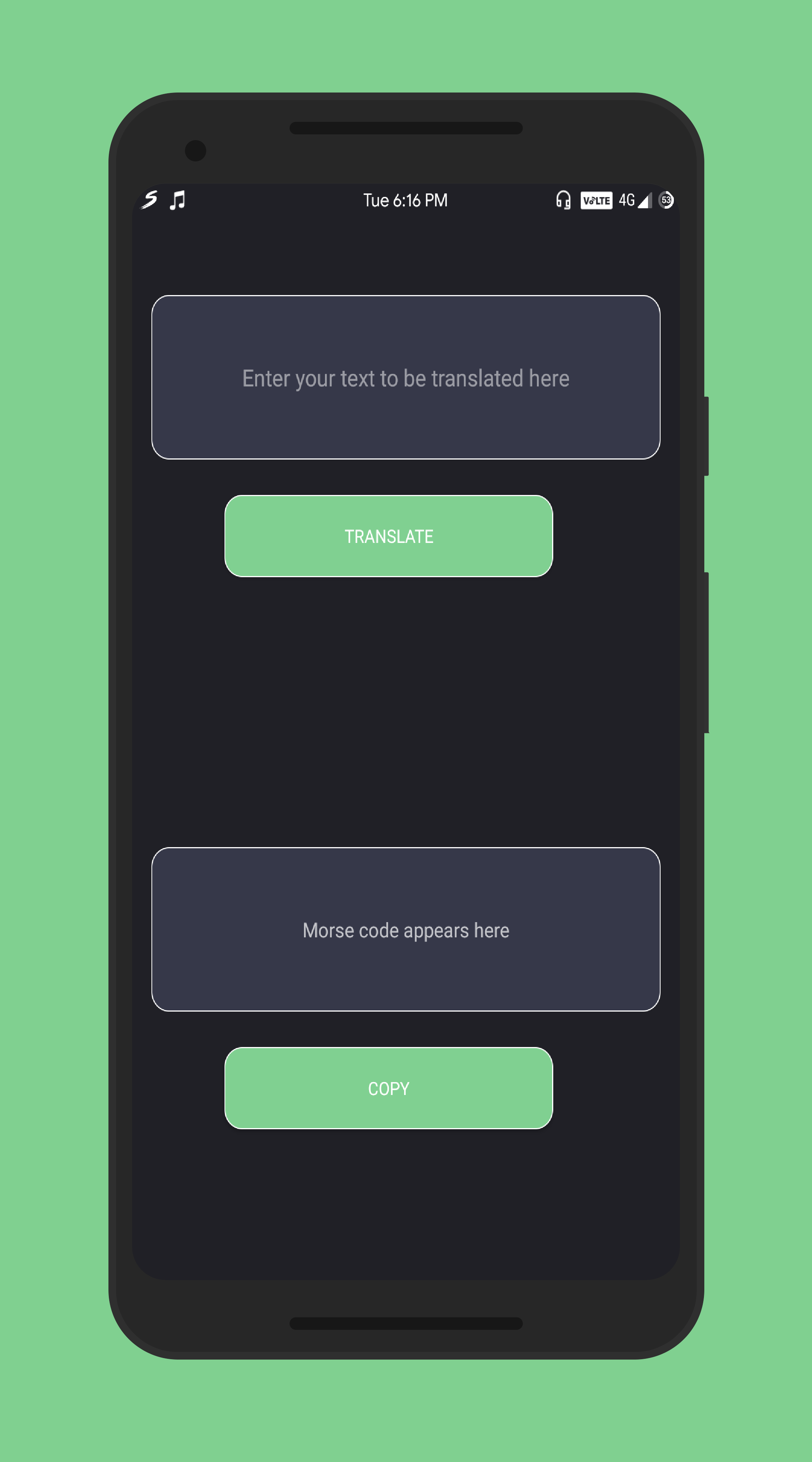
MorseIt is a lightweight Android app that translates plain text into Morse code. Built with simplicity in mind, it works completely offline and provides instant text-to-Morse translation with one-tap clipboard support.Key Features
Instant Translation
Enter letters, digits, or punctuation and get the Morse code equivalent instantly
Clipboard Support
Copy the Morse output to the system clipboard with one tap
Offline First
All translation happens on-device with no internet connection required
International Standard
Uses the International Morse Code table for accurate translations
How It Works
Translation happens entirely on-device insideMainActivity.translateToMorse():
- The app populates a
HashMap<Character, String>with the International Morse Code table for letters A–Z (both cases), digits 0–9, and supported punctuation - The app iterates over the input string character by character
- For each character, the app looks it up in the map. If a mapping exists, it appends the Morse sequence to a
StringBuilder; otherwise, it passes the original character through unchanged - The app appends a space after each character’s Morse representation, producing a space-delimited output string
- The output text view displays the result
ClipboardManager. A short toast message confirms the copy.
Supported Characters
Letters (A-Z)
Letters (A-Z)
All 26 letters of the alphabet are supported, case-insensitive. For example:
- A →
.- - B →
-... - C →
-.-.
Digits (0-9)
Digits (0-9)
| Digit | Morse |
|---|---|
| 0 | ----- |
| 1 | .---- |
| 2 | ..--- |
| 3 | ...-- |
| 4 | ....- |
| 5 | ..... |
| 6 | -.... |
| 7 | --... |
| 8 | ---.. |
| 9 | ----. |
Punctuation
Punctuation
| Symbol | Morse |
|---|---|
. (period) | .-.-.- |
, (comma) | --..-- |
? (question mark) | ..--.. |
= (equals sign) | -...- |
Unsupported characters are passed through unchanged in the output.
Get Started
Quick Start
Install and start using MorseIt in minutes
Build from Source
Clone the repository and build the app yourself
Tech Stack
| Component | Technology |
|---|---|
| Language | Java |
| UI toolkit | Android SDK (XML layouts, ConstraintLayout) |
| Font | Roboto (downloaded at runtime via Google Fonts) |
| Support library | com.android.support:appcompat-v7:28.0.0 |
| Build system | Gradle (Android Gradle Plugin 3.2.1) |
System Requirements
- Minimum SDK: Android 6.0 Marshmallow (API level 23)
- Target SDK: Android 9.0 Pie (API level 28)
- Compile SDK: API level 28