If Android Studio doesn’t automatically sync Gradle, select File > Sync Project with Gradle Files.
3
Run the app
Connect a physical device running Android 6.0 (API level 23) or later, or start an emulator configured to the same API level.Then select Run > Run ‘app’, or press Shift+F10.
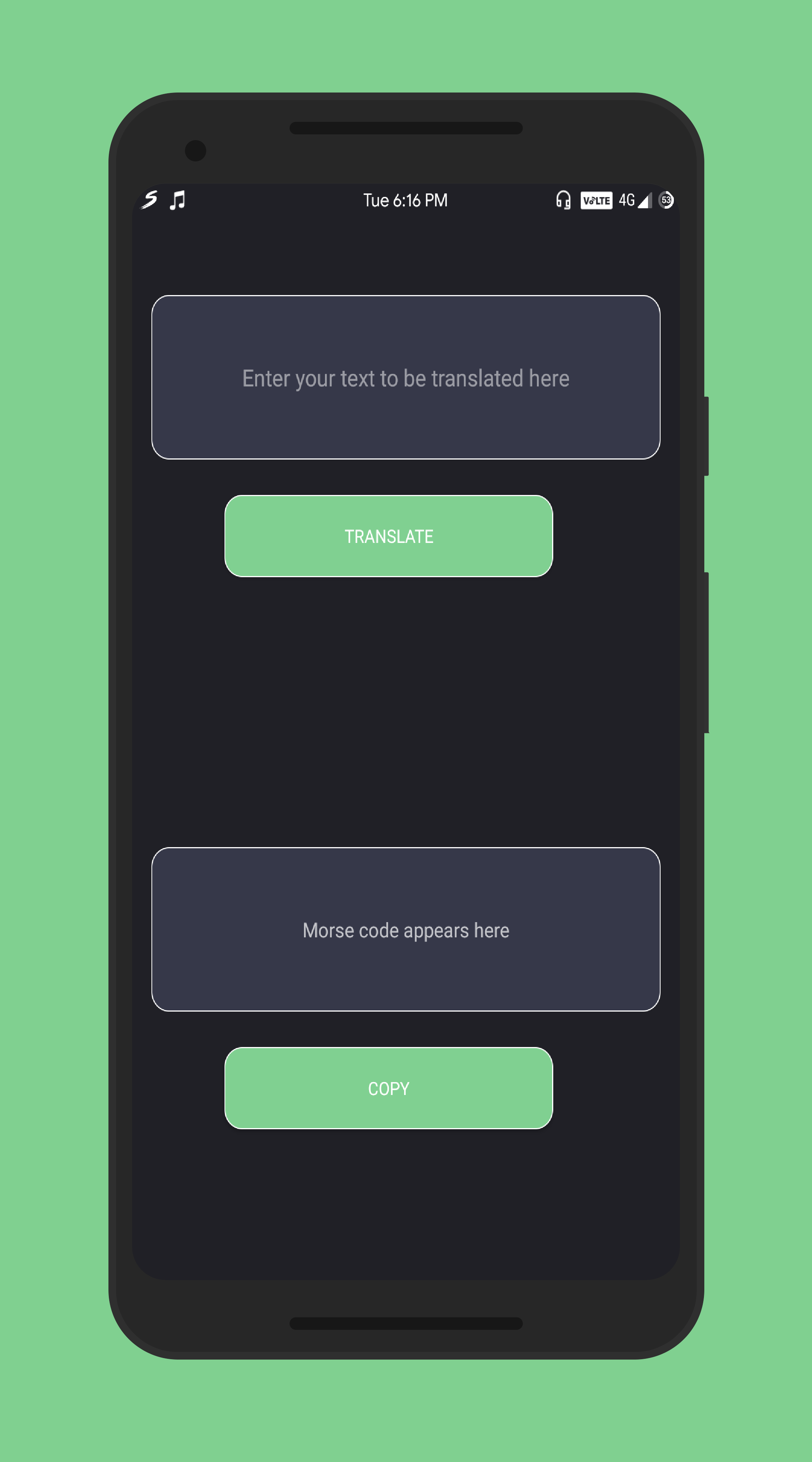
Type or paste text into the input field. The placeholder says “Enter your text to be translated here”.
2
Tap Translate
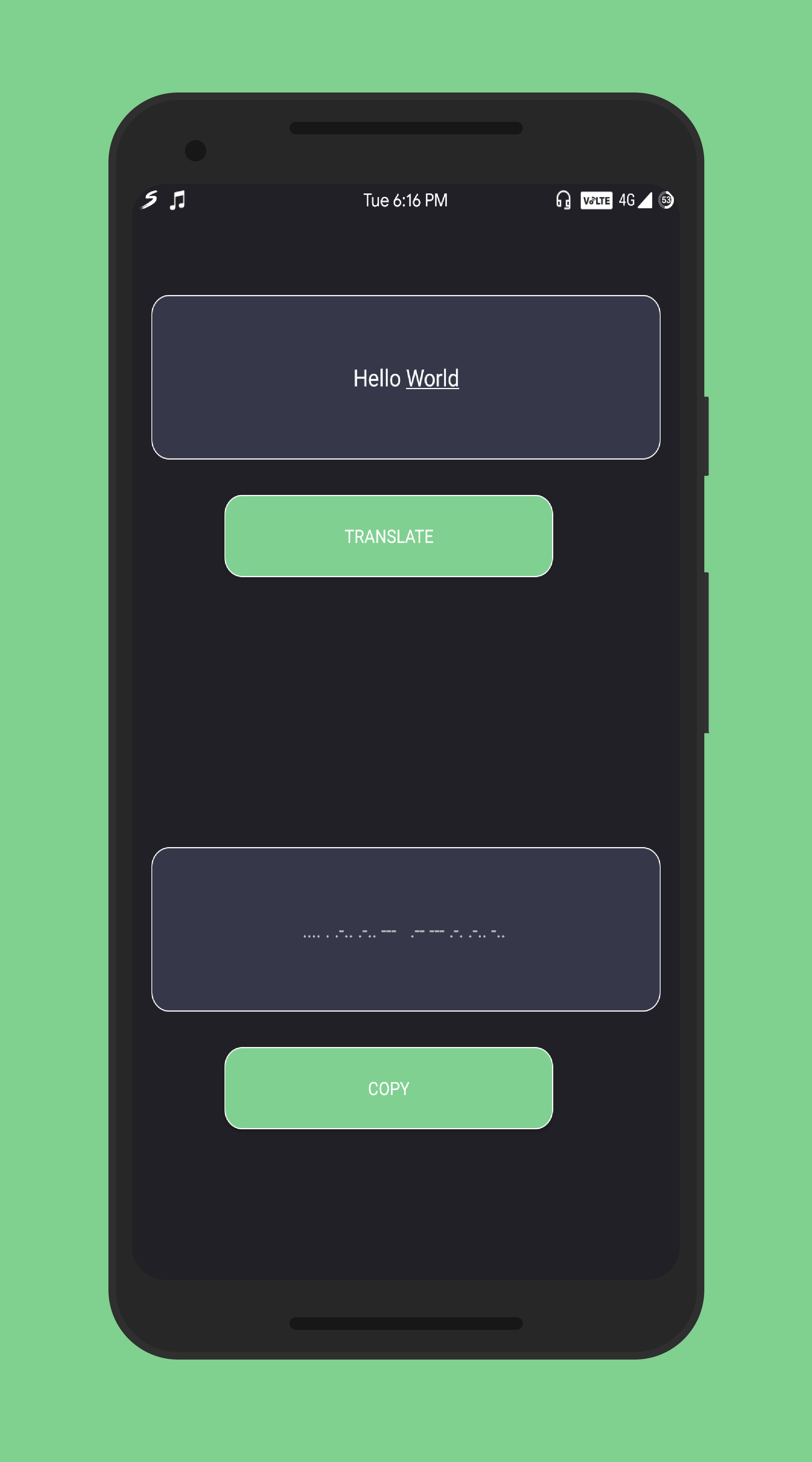
Press the Translate button to convert your text to Morse code.The Morse code will appear in the output field below, with each character separated by a space.
3
Copy to clipboard (optional)
Press the COPY button to copy the Morse code to your system clipboard.You’ll see a toast message confirming “Text Copied”.