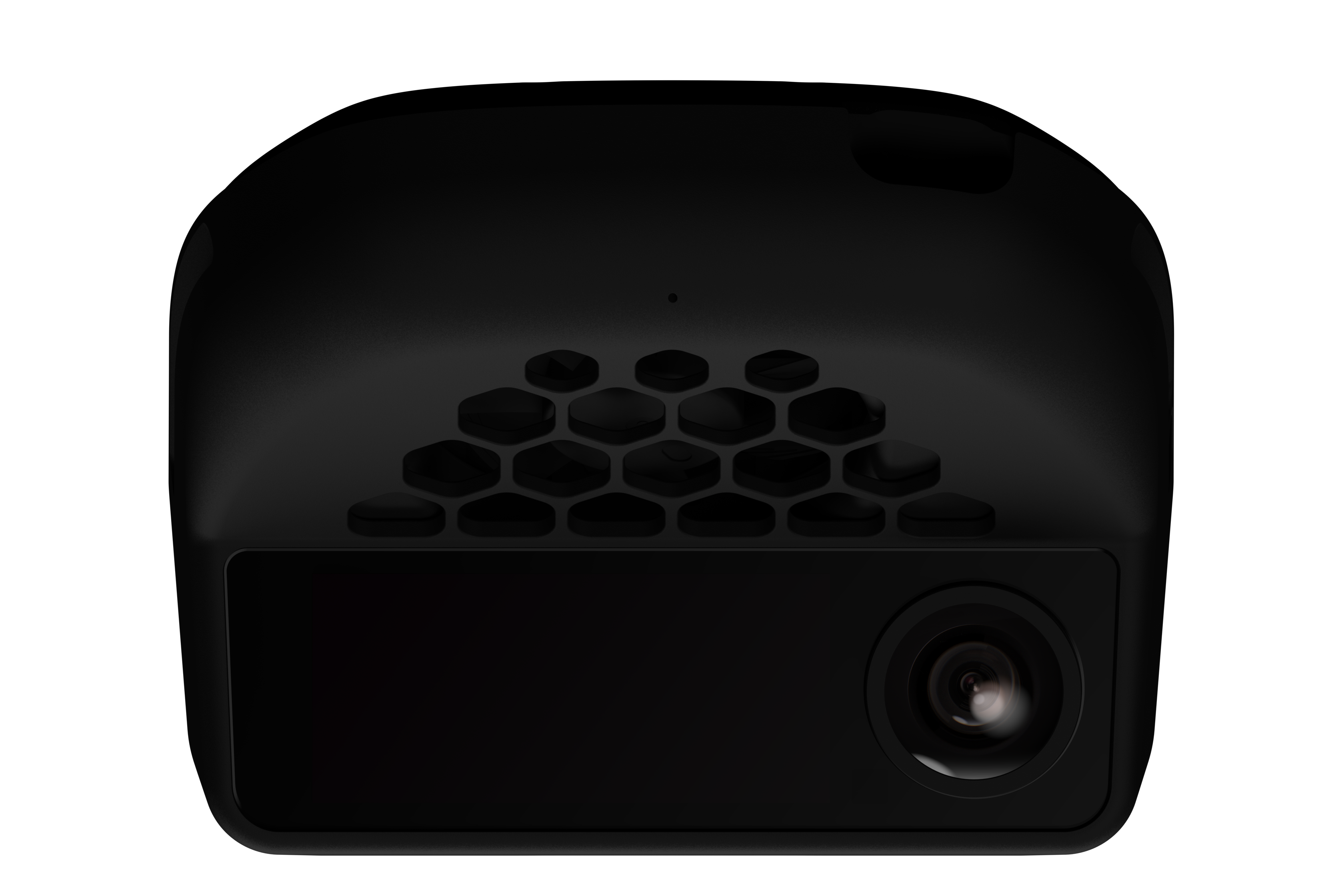
openpilot is an open-source driver assistance system built by comma.ai. It replaces and enhances the stock Adaptive Cruise Control (ACC), Automated Lane Centering (ALC), Forward Collision Warning (FCW), and Lane Departure Warning (LDW) systems on 300+ supported vehicles — all running on the comma four device.Documentation Index
Fetch the complete documentation index at: https://mintlify.com/commaai/openpilot/llms.txt
Use this file to discover all available pages before exploring further.
Quickstart
Install openpilot on your comma four and get driving in minutes
Supported hardware
Learn about the comma four device and compatible car harnesses
How openpilot works
Understand the neural network models, control loop, and system architecture
Supported cars
Browse the 300+ cars with openpilot support across all major brands
What openpilot does
openpilot provides Level 2 driver assistance — meaning the driver must remain alert and in control at all times. When engaged, it handles:- Adaptive Cruise Control (ACC) — maintains your set speed and follows the vehicle ahead
- Automated Lane Centering (ALC) — steers the car to stay centered in the lane
- Forward Collision Warning (FCW) — alerts you to potential frontal collisions
- Lane Departure Warning (LDW) — warns when the car drifts from its lane
- Driver Monitoring (DM) — watches for distracted or drowsy driving using the cabin camera
openpilot requires the driver to remain attentive and ready to take manual control at any time. It is a Level 2 driver assistance system, not autonomous driving.
For developers
openpilot is fully open source under the MIT license. The codebase is written primarily in Python and C++, and the project welcomes contributions from the community.Development environment
Set up a local dev environment on Ubuntu or macOS
Port a new car
Add openpilot support for a new car make or model
Replay a drive
Debug and develop using recorded route data
System architecture
Explore openpilot’s process architecture and messaging layer