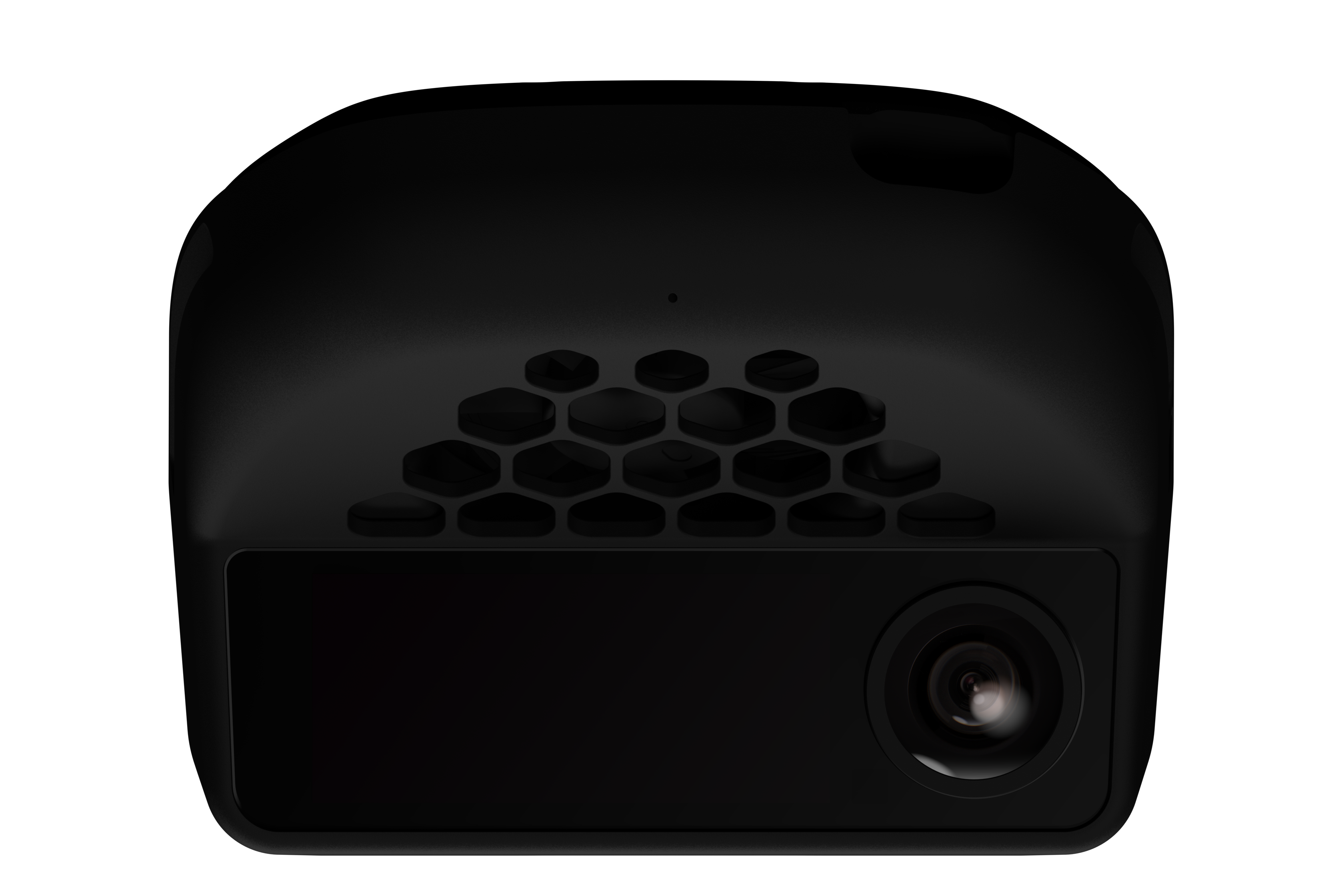
This guide walks you through everything you need to install openpilot on a comma four device and complete your first assisted drive. By the end, your car will have Adaptive Cruise Control (ACC), Automated Lane Centering (ALC), Forward Collision Warning (FCW), and Lane Departure Warning (LDW) powered by openpilot.Documentation Index
Fetch the complete documentation index at: https://mintlify.com/commaai/openpilot/llms.txt
Use this file to discover all available pages before exploring further.
openpilot is a Level 2 driver assistance system. The driver must remain attentive and in control at all times. openpilot does not make your car autonomous.
Prerequisites
Before you begin, confirm you have:- A supported car (300+ makes, models, and years are supported)
- A comma four device
- The correct car harness for your vehicle
Installation
Get a supported car and car harness
Check that your car is on the supported cars list. openpilot works with 300+ vehicles across most major brands.Once you confirm support, order the matching car harness for your specific make, model, and year. The harness plugs into your car’s existing ADAS connector — no permanent modifications required.
Get a comma four device
The comma four is the only officially supported device for running openpilot in a car. Order one from comma.ai/shop/comma-four.See supported hardware for full device specs and accessory details.
Install openpilot on the device
During the comma four setup flow, you are prompted to enter a software URL. Enter the following URL to install openpilot:Alternatively, run the one-line installer from a terminal:This installs the latest release branch. If you want a different branch, see the branch options below.
- Release (recommended)
- Staging
- Nightly
The stable release branch. Recommended for all daily drivers.
| Device | Branch | URL |
|---|---|---|
| comma four | release-mici | openpilot.comma.ai |
| comma 3X | release-tizi | openpilot.comma.ai |
Mount and connect the device
Follow the official installation guide at comma.ai/setup to:
- Plug the car harness into your vehicle’s ADAS connector (typically behind the rearview mirror or in the engine bay, depending on your car).
- Mount the comma four on your windshield using the included mount.
- Connect the comma four to the car harness via the included USB-C cable.
Take your first assisted drive
Start your car and let openpilot finish its startup sequence. Once ready:
- Accelerate to a speed above the minimum engagement threshold (varies by car).
- Engage openpilot using your car’s existing cruise control stalk or button — the exact control depends on your vehicle.
- Keep your hands on the wheel and eyes on the road. openpilot will take over lane centering and speed control.
Next steps
Supported hardware
Details on the comma four device, car harnesses, and alternative hardware options
Supported cars
Browse the full list of 300+ supported makes, models, and years