VirusTotal Integration and Active Response
I reviewed the Wazuh VirusTotal integration to enrich file-related alerts and support investigation workflows by submitting relevant files to VirusTotal. I also tested the active response workflow to remove files identified as malicious.Integration Configuration
I enabled the integration inossec.conf on the Wazuh server:
File Integrity Monitoring Setup
I then added File Integrity Monitoring rules on the Linux and Windows agents to watch dedicated test directories.- Linux Group agent.conf
- Windows Group agent.conf
Testing the Integration
To test the workflow, I created files inside the monitored directories and validated that Wazuh generated enriched alerts with the expected VirusTotal context.
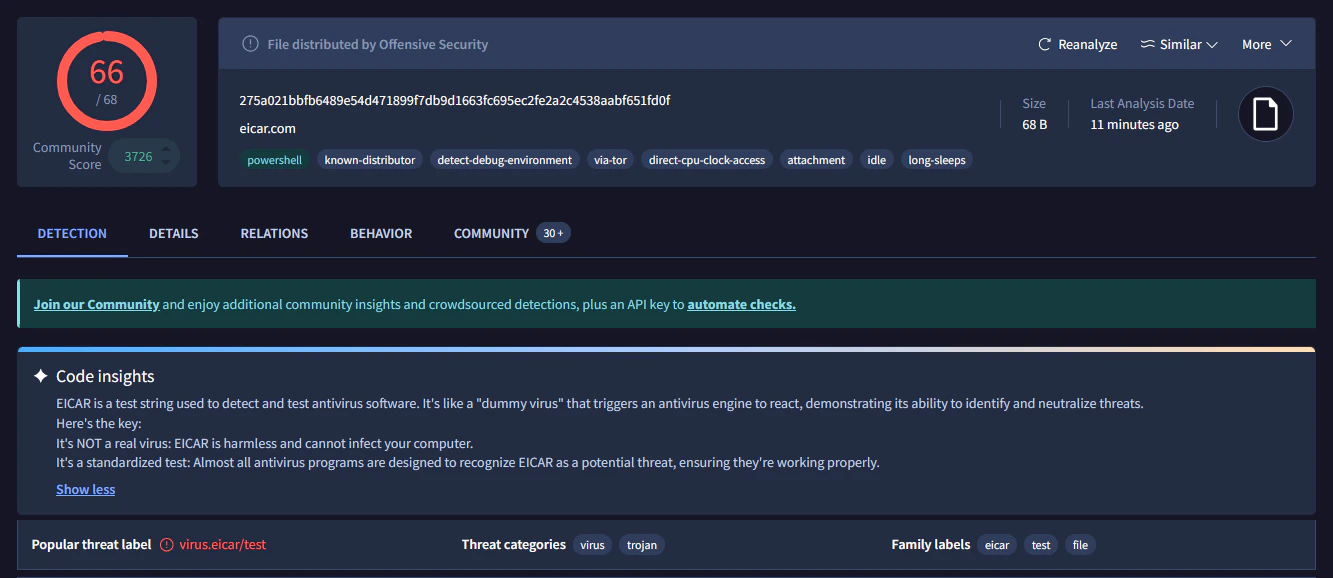
Active Response
The next step was active response. I followed the Wazuh proof-of-concept guide and implemented the following:Deploy Active Response Scripts
Active response scripts were deployed on the agents to handle file removal actions.
Update Agent Configuration
Agent configurations were updated to reference the active response scripts.

