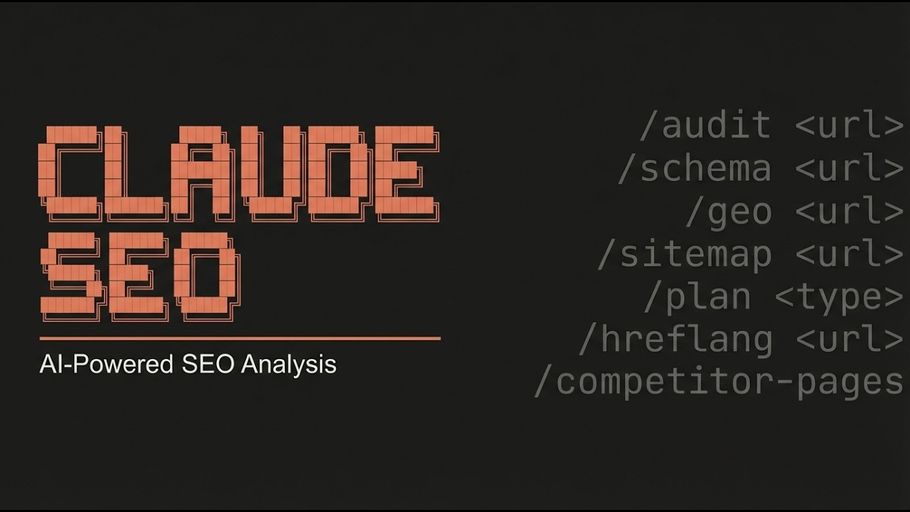
Claude SEO is a free, MIT-licensed SEO analysis skill that runs inside Claude Code. It fans out up to 15 specialist agents in parallel — covering technical SEO, E-E-A-T content quality, Schema.org markup, AI search optimization (GEO/AEO), local SEO, e-commerce, and international SEO — and converges into a prioritized action plan where every finding carries a falsifiability check.Documentation Index
Fetch the complete documentation index at: https://mintlify.com/AgricIDaniel/claude-seo/llms.txt
Use this file to discover all available pages before exploring further.
Quick Start
Run your first
/seo audit in under five minutesInstallation
Plugin install, manual install, and Windows setup
Command Reference
All 25
/seo commands with examples and outputExtensions
DataForSEO, Firecrawl, Ahrefs, and more MCP extensions
What Claude SEO Does
Claude SEO installs as a Claude Code skill and adds the/seo command namespace. A single /seo audit https://example.com call spawns up to 15 specialist subagents simultaneously — each auditing a focused domain (crawlability, Core Web Vitals, schema, E-E-A-T, AI citability, local signals, backlinks, and more) — then synthesises findings into a scored, dependency-ordered action plan.
25 Sub-skills
Full coverage of every SEO discipline from technical crawlability to AI search optimization
18 Specialist Agents
Parallel dispatch — full site audits finish in 10-15 minutes instead of hours
Falsifiable Findings
Every recommendation carries a failure-mode check and a leading indicator to monitor
Zero Required Keys
Works fully offline; Google API tiers unlock richer data incrementally
AI Search First
Aligned with Google’s AI Optimization Guide — GEO/AEO treated as SEO, not a separate discipline
MIT Licensed
Open source, no telemetry, no per-domain pricing, data stays on your machine
Get Started in 3 Steps
Install the skill
Inside Claude Code, add the plugin from the marketplace:Or clone and run the installer manually — see Installation for all options.
Run your first audit
FULL-AUDIT-REPORT.md and ACTION-PLAN.md to your current directory.Explore deeper commands
Drill into specific areas — schema validation, AI citability, local SEO, Core Web Vitals, or content quality — with targeted sub-skill commands. See Core Commands for the full reference.
Explore the Documentation
Core Commands
Audit, technical SEO, content quality, schema, and GEO — the five most-used commands in depth
Specialized Commands
Local + maps, backlinks, e-commerce, international SEO, Google APIs, and drift monitoring
MCP Extensions
Add live data from DataForSEO, Firecrawl, Ahrefs, SE Ranking, Profound, and more
Architecture
3-layer design, auto-discovery, parallel dispatch, and the scoring engine
Methodology
The 10-principle PERCEIVE → ANALYZE → VALIDATE → ACT framework behind every audit
Troubleshooting
Common issues, Python dependency errors, SPA rendering, and Windows setup