Claude SEO adds aDocumentation Index
Fetch the complete documentation index at: https://mintlify.com/AgricIDaniel/claude-seo/llms.txt
Use this file to discover all available pages before exploring further.
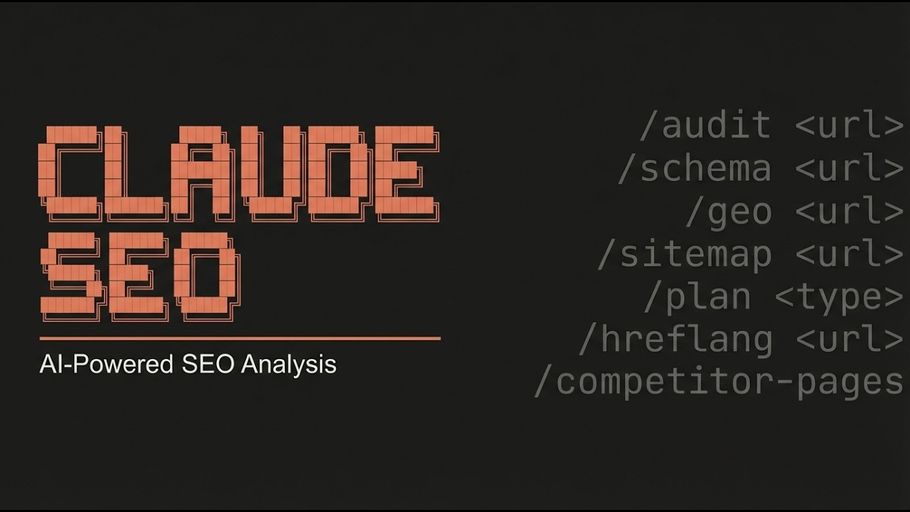
/seo command to Claude Code that fans 25 sub-skills and 18 specialist agents out in parallel across a target site. This guide covers the fastest path from zero to a running audit — plugin install takes under two minutes; a full site audit completes in 10–15 minutes.
Prerequisites
Before you begin, make sure you have:- Python 3.10 or higher — the installer checks this automatically and exits with a clear error if the version is too old
- Claude Code CLI — install from claude.ai/claude-code
- Git — required for the manual install paths; not needed for the plugin install
No API keys are required to run a full audit. Google API credentials are optional and unlock richer field data. See Optional: Google API setup below.
Install Claude SEO
This registers the plugin source in your local marketplace so Claude Code knows where to fetch it from.
The installer downloads the skill files, copies 25 sub-skills to
~/.claude/skills/, places 18 subagent definitions in ~/.claude/agents/, and creates a Python virtual environment at ~/.claude/skills/seo/.venv/. It also attempts to install Playwright Chromium for SPA rendering; if that step fails, the audit falls back to WebFetch automatically.Plugin install requires Claude Code 1.0.33 or later. If you are on an older version, use the manual install method described in the Installation guide.
If the file is present, the skill is installed correctly. You can also start Claude Code and type
/seo to see the command help.Run Your First Audit
With Claude Code running, pass any public URL to/seo audit:
Understanding the Output
A completed audit writes several files to your working directory:| File | What it contains |
|---|---|
FULL-AUDIT-REPORT.md | Complete audit across all sub-skills, structured by discipline |
ACTION-PLAN.md | Prioritized recommendations ordered by impact, each with a falsifiability check and a leading indicator |
SEO Health Score | A 0–100 score synthesized from weighted sub-scores across technical SEO (22%), content quality (23%), AI search readiness (10%), schema, local, and more |
ACTION-PLAN.md carries four fields:
- First-principle observation — the raw signal the recommendation rests on
- Dependency — which other recommendations this one depends on or unlocks
- Failure-mode check — “how would we know this failed?”
- Leading indicator — the metric to watch after implementing the fix
Five Commands to Try Next
Once you have run your first full audit, explore the individual sub-skills:/seo commands with arguments and examples — lives in the Commands documentation.
Optional: Google API Setup
Claude SEO works fully offline without any credentials. Adding Google API credentials unlocks richer data at each tier:| Tier | Credentials needed | What you gain |
|---|---|---|
| 0 | API key only | PageSpeed Insights, CrUX field data, CrUX History (25-week trend) |
| 1 | + OAuth or Service Account | Search Console queries, URL Inspection, sitemap status, Indexing API |
| 2 | + GA4 property config | Organic traffic, top landing pages, device and country breakdown |
| 3 | + Ads developer token | Keyword Planner search volume and competition data |
~/.config/claude-seo/ with 0o600 file permissions. Nothing is checked into any repository and nothing is transmitted beyond Google’s own endpoints.
Without Google API credentials, Core Web Vitals scores are lab estimates from Lighthouse rather than field data from CrUX, and indexation status is inferred from page-level signals rather than confirmed via Search Console.
What’s Next
- Installation guide — Manual install on macOS, Linux, and Windows; Playwright setup; uninstall instructions
- Introduction — Full capability overview, methodology, and the ecosystem of companion skills
- Commands reference — Every
/seocommand with arguments, examples, and output descriptions - YouTube demo — Watch a full audit with parallel agents fanning out across a real site