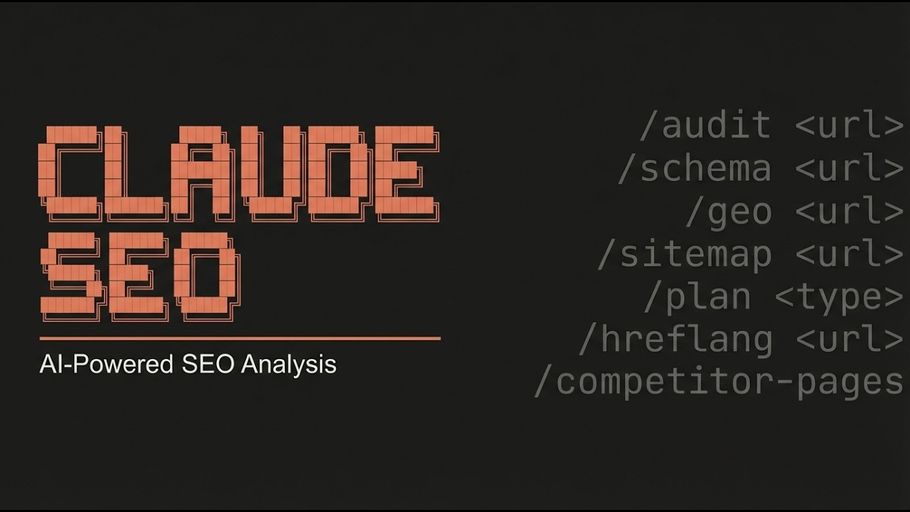
Claude SEO can be installed in three ways: through the Claude Code plugin marketplace (the fastest path, requires Claude Code 1.0.33+), manually viaDocumentation Index
Fetch the complete documentation index at: https://mintlify.com/AgricIDaniel/claude-seo/llms.txt
Use this file to discover all available pages before exploring further.
git clone on Unix-based systems, or manually via git clone on Windows with PowerShell. All three methods install the same skill files and create the same directory layout. Choose the method that matches your setup.
Prerequisites
Before installing, confirm the following are present on your system:- Python 3.10 or higher — the install script checks this and exits with an error if the version is too old
- Git — required for the manual install paths
- Claude Code CLI — install from claude.ai/claude-code; the plugin install method requires version 1.0.33 or later
- Playwright Chromium — enables SPA rendering and screenshot analysis; the installer attempts this automatically
- Google API credentials — unlocks CrUX field data, Search Console, GA4, and Keyword Planner (see Google API setup)
Install Methods
- Plugin Install
- Unix / macOS / Linux
- Windows PowerShell
The plugin install method is the fastest path and is the recommended approach for anyone on Claude Code 1.0.33 or later. It handles everything in two commands run inside Claude Code.
This registers
AgriciDaniel/claude-seo as a trusted plugin source in your local Claude Code installation.Claude Code fetches the plugin, copies 25 sub-skill SKILL.md files into
~/.claude/skills/, places 18 subagent definitions in ~/.claude/agents/, and creates a Python virtual environment at ~/.claude/skills/seo/.venv/. Python dependencies from requirements.txt are installed into that venv automatically.If you are an AI Marketing Hub Pro member and want the community mirror with early-access features, swap
AgriciDaniel/claude-seo for AI-Marketing-Hub/claude-seo and use the plugin slug claude-seo@ai-marketing-hub-claude-seo. This requires gh auth login (or a PAT) with access to the AI-Marketing-Hub org. If /plugin marketplace add returns a 404, post in the Skool community to be added to the org.What Gets Installed
The installer places files in the following locations regardless of which method you use:| Component | Path |
|---|---|
| Orchestrator skill | ~/.claude/skills/seo/SKILL.md |
| Sub-skills (25) | ~/.claude/skills/seo-*/SKILL.md |
| Subagents (18) | ~/.claude/agents/seo-*.md |
| Shared scripts | ~/.claude/skills/seo/scripts/ |
| Schema templates | ~/.claude/skills/seo/schema/ |
| Python venv | ~/.claude/skills/seo/.venv/ |
| Requirements file | ~/.claude/skills/seo/requirements.txt |
Optional: Playwright Chromium for SPA Rendering
The installer attempts to install Playwright Chromium automatically. If that step failed, or if you skipped it, install it manually:<div id="root"> shells, hydration-dependent content) may produce incomplete findings on those specific pages.
Optional: Google API Setup
Claude SEO works fully offline with zero credentials. Run the setup wizard inside Claude Code to add enrichment at any tier:~/.config/claude-seo/ with 0o600 file permissions — nothing is checked into any repository and nothing is transmitted beyond Google’s own endpoints.
Verify Installation
The canonical verification check is:SKILL.md is missing from the expected path. Re-run the installer or check for permission errors — see the Troubleshooting guide for a full list of error cases and resolutions.
Uninstall
If installed via plugin:uninstall.sh script uses glob enumeration rather than a hardcoded list — it removes every seo and seo-* skill directory under ~/.claude/skills/ and every seo-*.md agent file under ~/.claude/agents/, and cleans up the plugin’s MCP entries from ~/.claude/settings.json. It leaves all sibling skills (e.g. blog-writer, security) untouched.
Community vs. Public Version
By default, all commands in this guide install fromAgriciDaniel/claude-seo — the public open-source MIT-licensed repository. If you are an AI Marketing Hub Pro member and want the community private mirror with early-access features:
- Swap
AgriciDaniel/claude-seo→AI-Marketing-Hub/claude-seoin anygit clonecommand - Swap the plugin slug
claude-seo@agricidaniel-claude-seo→claude-seo@ai-marketing-hub-claude-seoin any/plugincommand
gh auth login (or a personal access token) with access to the AI-Marketing-Hub GitHub organization. Both versions share the same skill interface and all commands described in this documentation.
Upgrading
To upgrade to the latest version, uninstall the current version and reinstall:Prefer downloading, inspecting, then running remote scripts. The
uninstall.sh | bash and install.sh | bash curl forms are the less-safe convenience options; they skip the review step.